Table of Contents
- What Is the Free Fire Advance Server?
- Who Can Join?
- How to Register: Step by Step
- What About "Unlock Beta" Websites?
- Tips if You Get In
- Frequently Asked Questions
- What is the Free Fire Advance Server?
- How do I register for the Free Fire Advance Server?
- How do I unlock the Free Fire beta?
- Why did I not get an activation code?
- Is the Advance Server APK safe?
- Will my progress carry over to the Advance Server?
The Free Fire Advance Server is Garena's official beta test where selected players try upcoming features before a new OB update goes live. You register on Garena's official Advance Server site, log in with the Facebook or Google account linked to your game, and wait: if you are chosen, you receive an activation code by email. There is no way to "unlock" the beta by paying or using a hack.
What Is the Free Fire Advance Server?
It is a separate test build of Free Fire used to find bugs before an update reaches everyone. Players who take part can try new characters, weapons, maps or modes early. Because it is a test, it can be unstable, and progress usually does not carry over to your main account.
Access is limited. Garena opens registration around each OB cycle, and slots are often filled quickly. Many guides also describe it as a selection process, so signing up does not guarantee a code. Dates change with every cycle, so always check the official site for the current one.
Who Can Join?
Requirements can change from one test to the next. Guides such as ExitLag's Advance Server guide list things like:
- Being 18 or older.
- Having a game account that is several months old (one guide says at least nine months).
- Linking your account to Facebook or Google.
- Using an Android device, since iOS access depends on the cycle.
Treat these as typical, not guaranteed. Check the rules on the official registration page for the current round.
How to Register: Step by Step
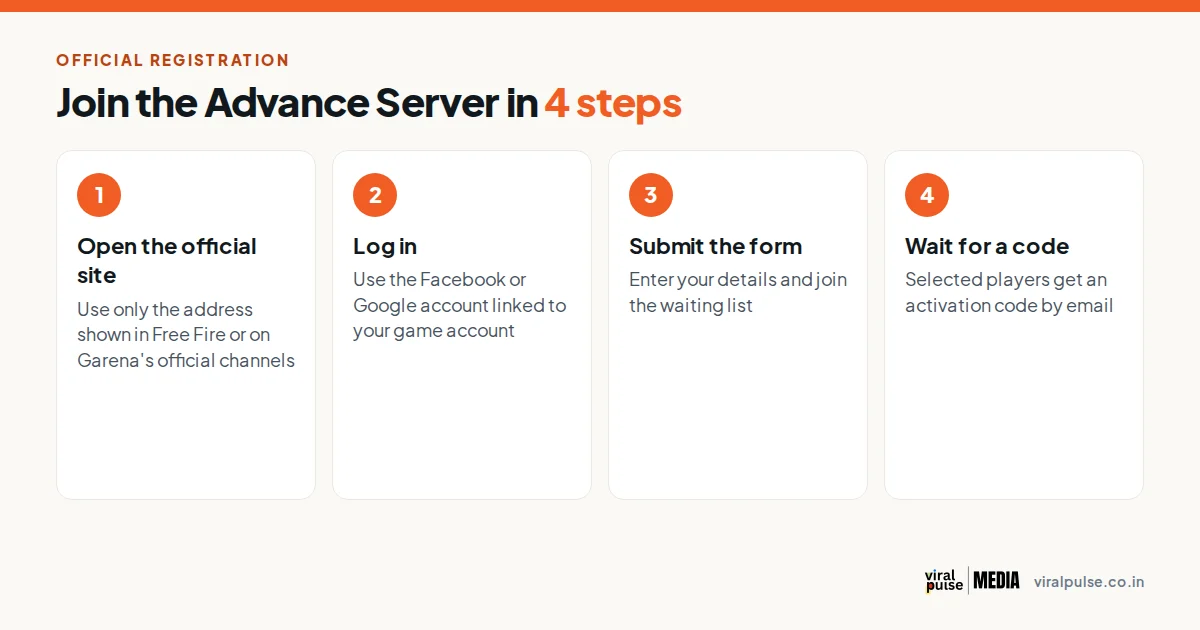
- Open the official registration site. Guides such as AFK Gaming point to the address ff-advance.ff.garena.com. Only use links that appear in the game or on Garena's official social channels.
- Log in with the Facebook or Google account that is linked to your Free Fire account.
- Submit the join form with the details requested, usually an email address and basic info.
- Wait for the email. If you are selected, you get an activation code. If nothing arrives, you were probably not chosen this round.
- Download the Advance Server APK from the official site once the test opens, and install it. Android may ask you to allow installs from your browser or file manager. It installs separately, so you keep your normal game.
The download is large, often over 1 GB, so check your storage and use Wi-Fi.
What About "Unlock Beta" Websites?
Search for "unlock ff beta" and you will find many pages promising instant access codes. Be very careful. Garena issues codes only to selected players through its own system, so a third-party site cannot unlock the beta for you.
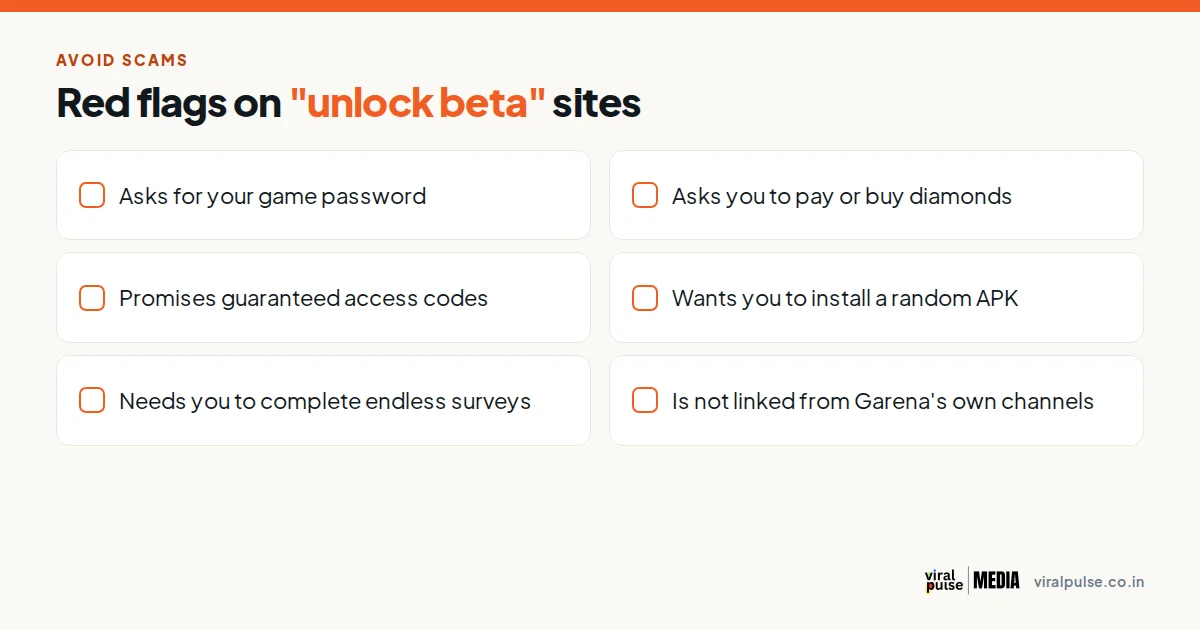
Walk away if a site:
- Asks for your game or social media password.
- Asks you to pay, buy diamonds, or send gift cards.
- Guarantees an activation code.
- Wants you to install an unknown APK.
- Sends you through endless surveys or "human verification".
- Is not linked from Garena's own channels.
Losing an account to a fake unlock page is a real risk. If you have already entered your details, change your password, remove unknown app access in your Facebook or Google settings, and enable two-step verification.
Tips if You Get In
- Report bugs through the in-game channel. Some cycles have offered diamond rewards for valid reports.
- Do not expect your normal progress to appear in the test.
- Do not share your activation code. Codes are meant for the selected account.
Frequently Asked Questions
What is the Free Fire Advance Server?
It is Garena's official beta test where chosen players try new features before an OB update is released.
How do I register for the Free Fire Advance Server?
Go to the official Advance Server site, log in with the Facebook or Google account linked to your game, submit the join form, and wait for an activation code by email.
How do I unlock the Free Fire beta?
You cannot unlock it with a website, hack or payment. Only Garena's selection process gives you an activation code.
Why did I not get an activation code?
Slots are limited and selection is not guaranteed. If no email arrived, you were likely not selected in that cycle.
Is the Advance Server APK safe?
Only the APK from Garena's official site is safe. Avoid copies from random websites, which can contain malware.
Will my progress carry over to the Advance Server?
Usually no. It is a test build, so treat it as separate from your main account.
Want this executed for you?
Our agency team builds and runs social engines for B2B and SaaS brands.
Written by Mehran Shahmiri
B2B marketing strategist helping SaaS companies build revenue-generating social engines.
Follow on LinkedIn →