Table of Contents
- Step 1: Start From Your Actual Content, Not a Generic List
- Step 2: Use Instagram's Native Search to Find Volume
- Step 3: Sort Candidates Into Three Size Buckets
- Step 4: Check What's Actually Ranking on Each Tag
- Step 5: Build 2-3 Saved Hashtag Sets, Not One
- Step 6: Track and Prune Monthly
- Common Mistakes to Avoid
- Frequently Asked Questions
- How do I find the best hashtags for my Instagram niche?
- How many hashtags should I actually use per post?
- Should hashtags go in the caption or the first comment?
- Can using the wrong hashtags get my post suppressed?
- How often should I change my hashtag sets?
- Do hashtags matter as much as posting at the right time?
- Final Thoughts
Most Instagram accounts are running the same five hashtags on every single post — usually #love #instagood #photooftheday and two more they saw on a "top 100 hashtags" list three years ago. Those tags are so oversaturated that your post disappears into them within seconds. Finding the right Instagram hashtags isn't about finding the biggest tags. It's about finding the ones your specific audience is actually searching, at a size where your post can realistically compete.
Here's the process, step by step.
Step 1: Start From Your Actual Content, Not a Generic List
Before opening any tool, write down 5-10 words that describe exactly what's in this specific post — not your niche in general. "Vegan meal prep for beginners" beats "food" every time. Generic one-word tags like #food or #fitness have hundreds of millions of posts; your content has roughly zero chance of surfacing in that pool. Specific tags are where discoverability actually happens.
Step 2: Use Instagram's Native Search to Find Volume
Type your seed word into Instagram's search bar and tap the tag results. Instagram shows you the post count for every tag it suggests. This is the single most underused free research step:
- Search your core topic (e.g., "mealprep").
- Note the post count next to it.
- Tap through the related tag suggestions Instagram surfaces below it — these are algorithmically related, not random.
- Repeat for each of your 5-10 seed words from Step 1.
You're building a list of candidate tags with real post-count data, not guesses.
Step 3: Sort Candidates Into Three Size Buckets
This is the part most guides skip, and it's the part that actually matters. Bucket every candidate tag by post volume:
| Bucket | Post Volume | What It Does |
|---|---|---|
| Broad | 500K+ | High search volume, but your post is buried within minutes — useful for maybe 1-2 tags max |
| Mid-size | 50K-500K | The sweet spot — enough searchers to matter, realistic odds of hitting the "Top" posts tab |
| Niche | Under 50K | Lower volume but far higher relevance — great for hyper-specific or local content |
A good mix for most posts is roughly 1-2 broad, 4-5 mid-size, and 2-3 niche tags — not 30 broad tags stacked together.
Step 4: Check What's Actually Ranking on Each Tag
Before committing to a tag, tap into it and look at the "Top" posts row. Ask two questions: does the content style resemble yours (are these accounts your actual competitors), and is the engagement on those top posts realistic for your account's current size? If every top post on a tag has 200K likes and you're at 3,000 followers, that tag is not winnable right now — file it under mid-size or niche instead. This single check is what separates people who "do hashtag research" from people who actually understand it — it's the same competitive-gap thinking behind good keyword research for a blog, just applied to Instagram's search index instead of Google's.
Step 5: Build 2-3 Saved Hashtag Sets, Not One
Create separate sets for your recurring content types (e.g., a Reels set, a product-post set, a behind-the-scenes set) and save them as a note or in a scheduling tool. Rotating between a few purpose-built sets avoids the two most common failure modes: manually retyping tags every time (which nobody sustains for more than two weeks) and using the exact same 30 tags on every post (which both looks spammy and stops working once each tag's audience has already seen your content repeatedly).
Step 6: Track and Prune Monthly
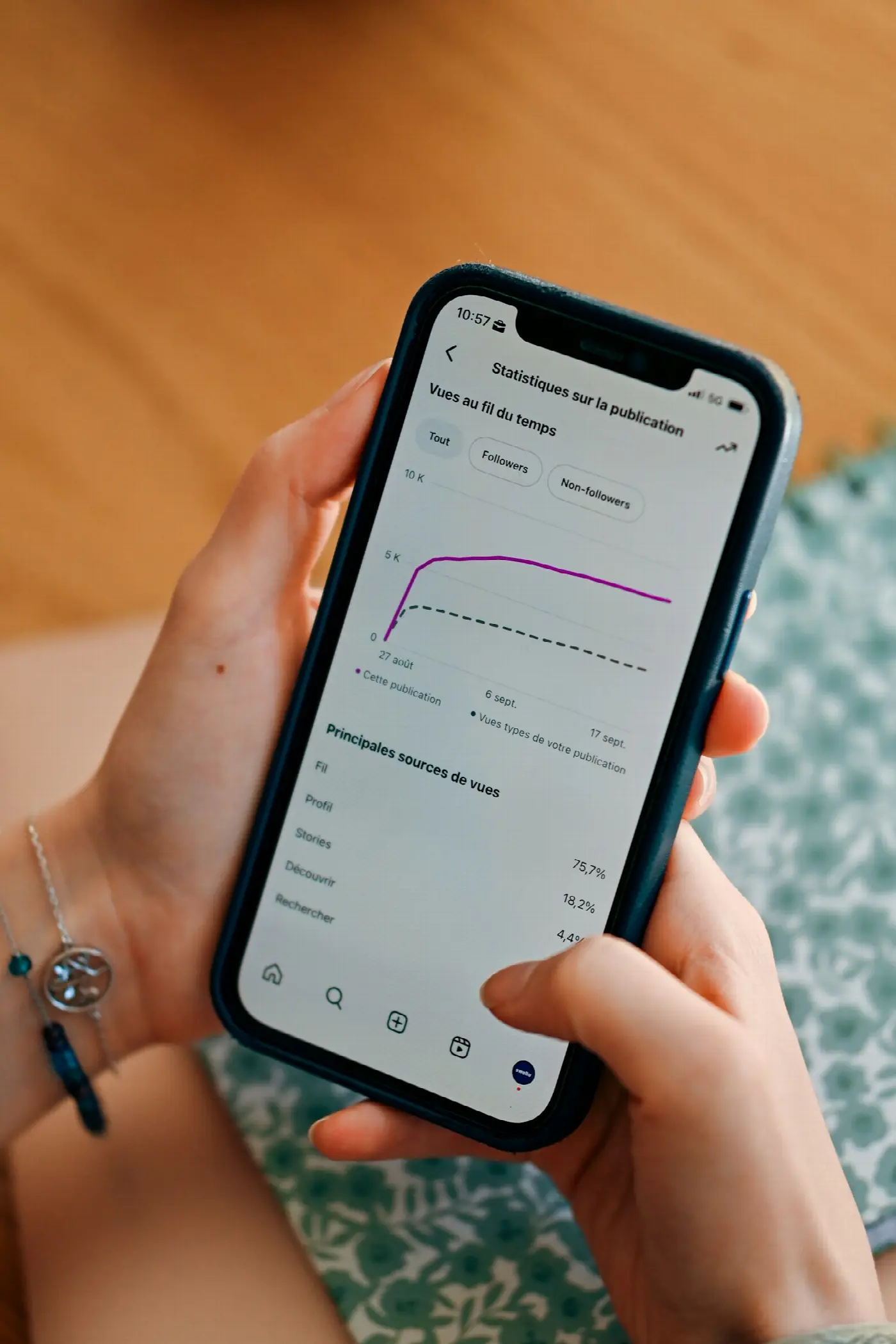
Hashtags aren't set-and-forget. Check Instagram Insights on your posts monthly — specifically the "reach from hashtags" breakdown — and drop any tag consistently contributing near-zero reach. Swap it for a new candidate from Step 2. This ties directly into a broader habit worth building: understanding how the algorithm actually decides what gets shown helps you interpret why a tag stopped working, instead of just guessing.
Tired of Guessing at Hashtags?
We research and build custom hashtag sets based on your actual niche, competitors, and engagement data — not a generic list.
Common Mistakes to Avoid
- Using only massive, broad tags. #love has billions of posts. Your content has an effectively zero chance of being seen there — you're competing with the entire platform.
- Copying a competitor's exact hashtag list. Their account size, posting time, and audience overlap are different from yours; a tag that works for a 500K-follower account can be dead weight for a 3K-follower one.
- Reusing the identical 30 tags on every post for months. Instagram's spam detection increasingly flags identical, unchanged tag blocks as a bot-like pattern, and your existing audience on those tags has already seen you.
- Ignoring where you post the tags. Whether they go in the caption or the first comment matters less than people think for reach — what matters is picking tags relevant enough that Instagram's system associates your account with that topic over time.
- Skipping the "Top posts" competitive check. Picking a tag purely by volume without checking who's actually winning it means you'll never crack the discovery pool.
- Forgetting your bio and username also feed discoverability. A well-chosen Instagram username and keyword-rich bio reinforce the same searchability your hashtags are trying to build.
Frequently Asked Questions
How do I find the best hashtags for my Instagram niche?
Start with 5-10 specific seed phrases describing your actual content, search each in Instagram's native search bar to see real post-count data, then sort results into broad, mid-size, and niche buckets so you're not competing purely against massive, oversaturated tags.
How many hashtags should I actually use per post?
Most current data favors 3-8 specific, relevant tags over a maxed-out list of 30 generic ones. Relevance and audience match matter more than raw quantity — see our full hashtag strategy guide for a breakdown by content type.
Should hashtags go in the caption or the first comment?
Either works for reach purposes; Instagram indexes tags the same way in both locations. Many creators use the first comment to keep the caption itself cleaner and more readable.
Can using the wrong hashtags get my post suppressed?
Using banned or flagged tags can limit that specific post's visibility on that tag's page. It's rarely a full account penalty, but it's easily avoided by sticking to tags directly relevant to your content — see what hashtags actually are and how they work for the mechanics behind this.
How often should I change my hashtag sets?
Review performance monthly using Instagram Insights, and prune or swap any tag that's consistently contributing near-zero reach. Keep 2-3 rotating sets rather than one static list you never touch.
Do hashtags matter as much as posting at the right time?
They solve different problems — hashtags affect discoverability by non-followers, while timing affects how quickly your existing audience engages, which in turn affects how far the algorithm pushes your post. You need both working together, not one instead of the other.
Final Thoughts
Finding the right Instagram hashtags is a research process, not a copy-paste exercise. Start from your actual content, use Instagram's own search data to size your candidates, check who's realistically winning each tag, and prune monthly based on what your Insights data tells you. Do that consistently and hashtags go from a decorative afterthought to a genuine discovery channel — small, but real, and compounding over time.
Want this executed for you?
Our agency team builds and runs social engines for B2B and SaaS brands.
Written by Mehran Shahmiri
B2B marketing strategist helping SaaS companies build revenue-generating social engines.
Follow on LinkedIn →